Documentation Index

Fetch the complete documentation index at: https://testdocs.ecomelixir.com/llms.txt

Use this file to discover all available pages before exploring further.

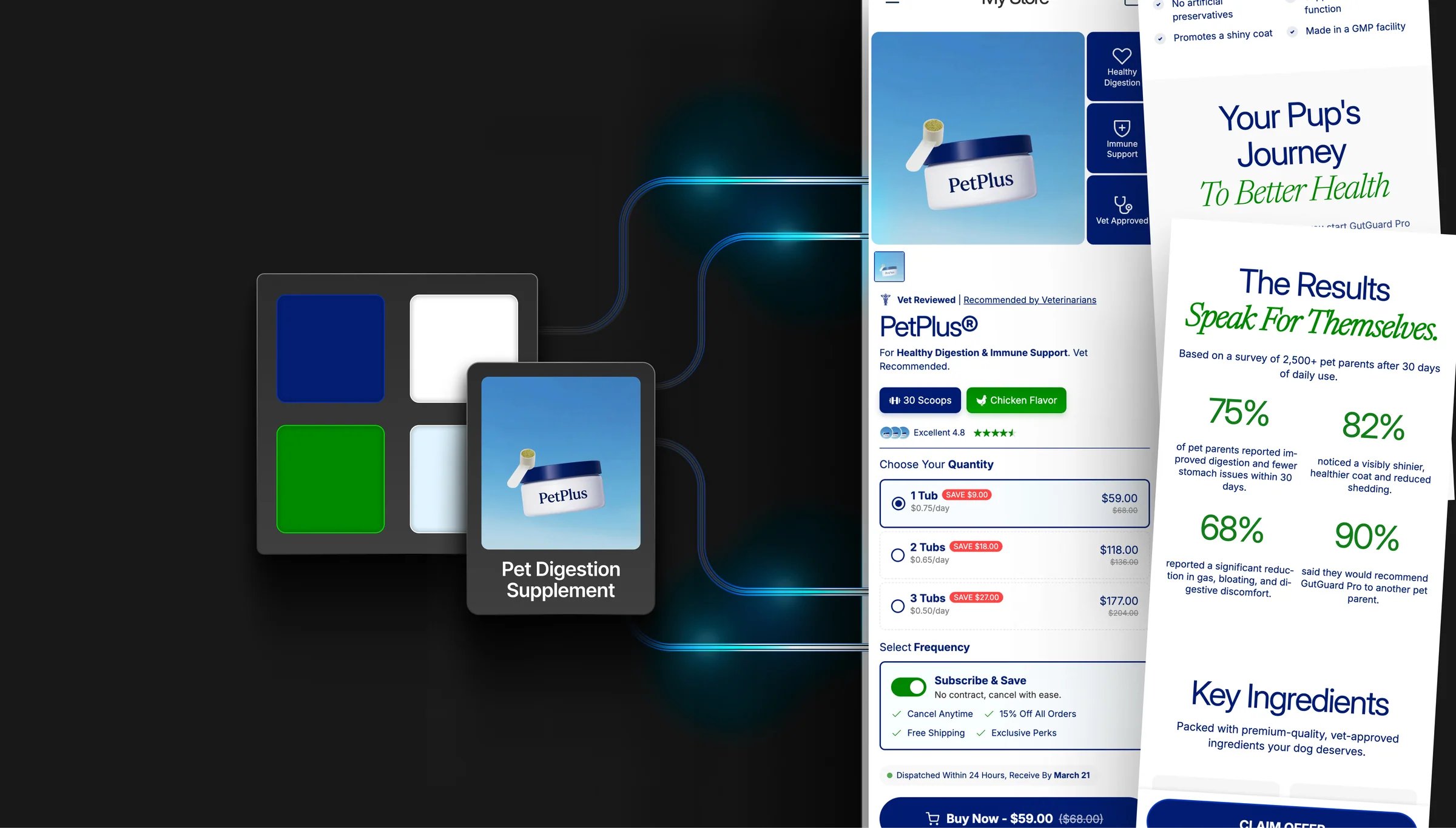
Fully branded Elixir store
Everything in this guide is configured from Theme settings in the Shopify theme editor (the paintbrush icon in the left sidebar).

Colors

Go to Theme settings → Colors.

Core colors

SettingWhat it does
Section backgroundDefault background color for all sections
Section text colorDefault text color across the site
Primary accentLinks, highlights, badges, and emphasis
Secondary accentSecondary highlights and call-to-action elements

Button colors

SettingWhat it does
Button backgroundFill color for primary buttons
Button textLabel color on buttons
SettingWhat it does
Header backgroundBackground of the site header
Footer backgroundBackground of the footer
Mobile menu backgroundBackground of the mobile drawer
Most sections have a “Use theme colors” toggle. When enabled, the section inherits your global colors. Turn it off to give any section its own custom color scheme.

Gradients

Many elements support gradient backgrounds — toggle “Enable gradient” on sections, buttons, or accent text to add depth to your design.

Typography

Go to Theme settings → Typography. Elixir supports three independent font families:
FontUsed for
Heading fontH1–H6 headings
Body fontParagraphs, descriptions, UI text
Accent fontDecorative or brand-specific text (e.g. script fonts)

Key settings

  • Heading scale — make headings larger (up to 150%)
  • Body scale — make body text larger (up to 130%)
  • Text transform — set headings to uppercase, lowercase, or capitalize
  • Letter spacing — tighten or loosen character spacing
  • Per-heading font choice — use the heading font for H1/H2 but body font for H3–H6 (or any combination)
  • Custom font sizes — enable to manually set exact pixel sizes for each heading level
Enable RTL support in typography settings if your store serves Arabic, Hebrew, or other right-to-left languages.

Buttons

Go to Theme settings → Buttons. Elixir has a global button system — style your buttons once and it applies everywhere. Sections can override the global style if needed.

Style options

  • Corner radius — 0px (square) to 40px (pill-shaped)
  • Font size, weight, and letter spacing
  • Vertical padding — control button height
  • Text transform — uppercase, capitalize, etc.

Colors and effects

  • Background, text, and border colors with separate hover colors
  • 3D effect — add a bottom border to create a raised/3D look
  • Box shadow — add depth with adjustable intensity
  • Gradient buttons — set gradient start/end colors, direction, and a shine effect

Layout

Go to Theme settings → Layout.
SettingWhat it does
Page widthMaximum content width (1000–1600px)
Section paddingVertical and horizontal padding inside sections (desktop & mobile)
Spacing between sectionsGap between consecutive sections

Animations

SettingWhat it does
Reveal on scrollSections animate in as you scroll
Hover elements animationCards and buttons animate on hover