The product page is where conversions happen. Elixir gives you a modular product page built from blocks — you can add, remove, and reorder them from the theme editor.Documentation Index
Fetch the complete documentation index at: https://testdocs.ecomelixir.com/llms.txt
Use this file to discover all available pages before exploring further.

Product page blocks
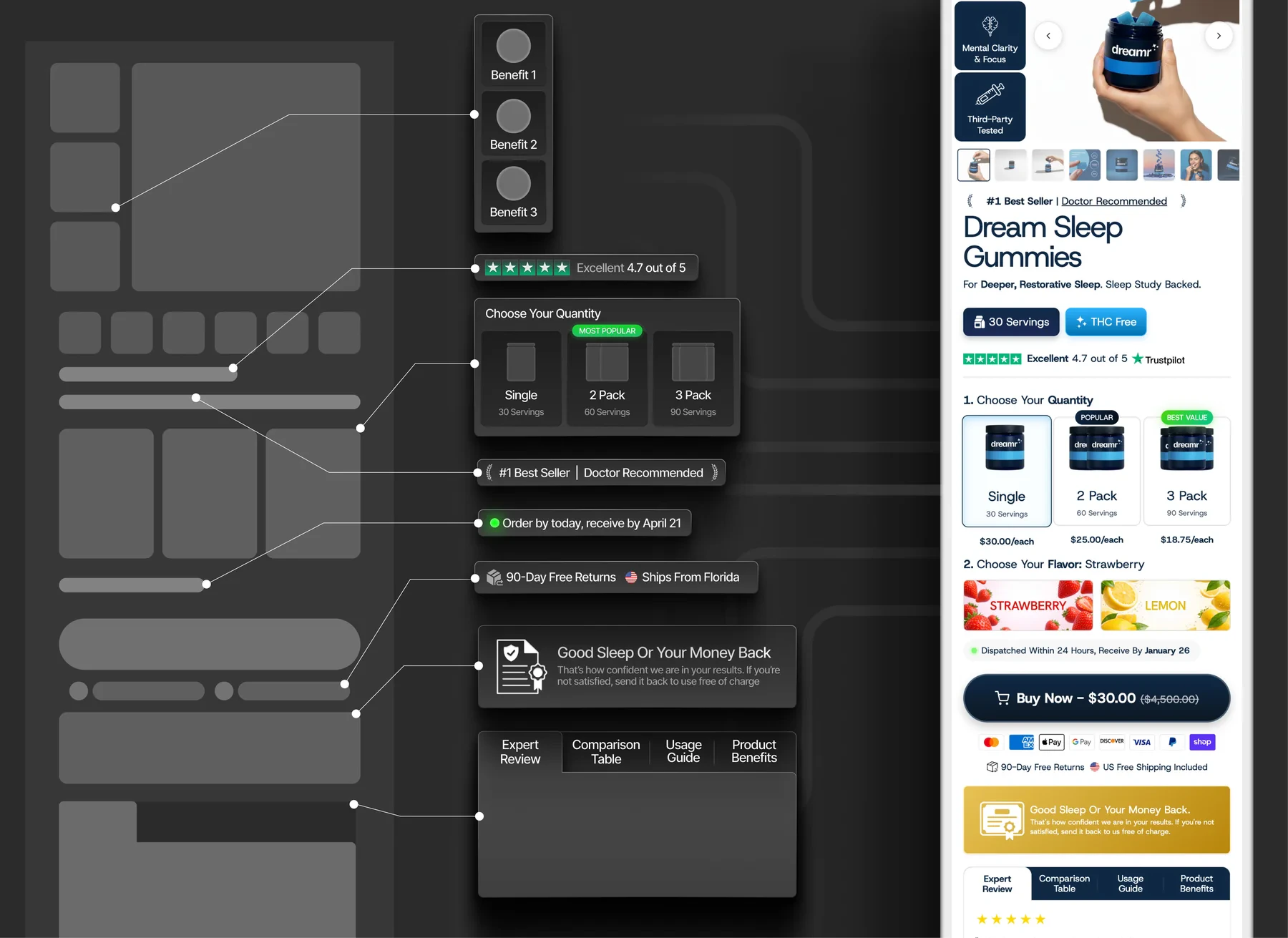
Open your product page in the theme editor and click on the product section to see all available blocks:| Block | What it does |
|---|---|
| Title | Product name |
| Price | Current price with compare-at/sale styling |
| Description | Product description text |
| Variant picker | Size, color, or other variant selectors |
| Buy buttons | Add to cart and Buy Now buttons |
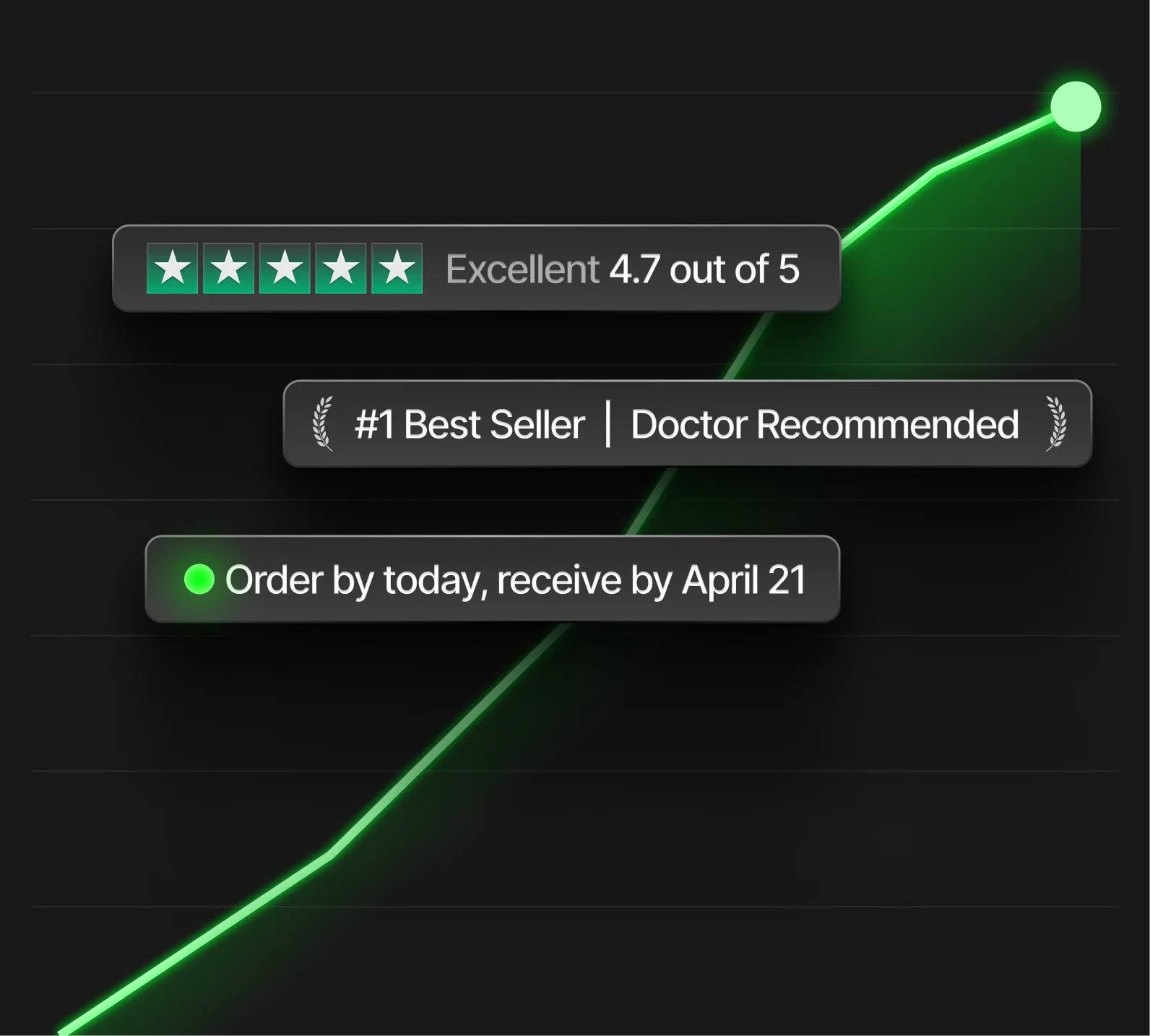
| Rating | Star rating display (e.g. “Excellent 4.7 out of 5”) |
| Product tabs | Tabbed content — description, reviews, usage guide, benefits |
| Product FAQ | Accordion-style questions and answers |
| Size chart | Popup size guide |
Conversion blocks

| Block | What it does |
|---|---|
| Trust badges | ”#1 Best Seller”, “Doctor Recommended”, etc. |
| Delivery estimate | ”Order by today, receive by April 21” |
| Rating bar | Trustpilot-style rating display |
| Guarantee | ”Money-back guarantee” with icon |
| Short benefits | Quick feature callouts below the buy button |
Offers and pricing

Quantity breaks
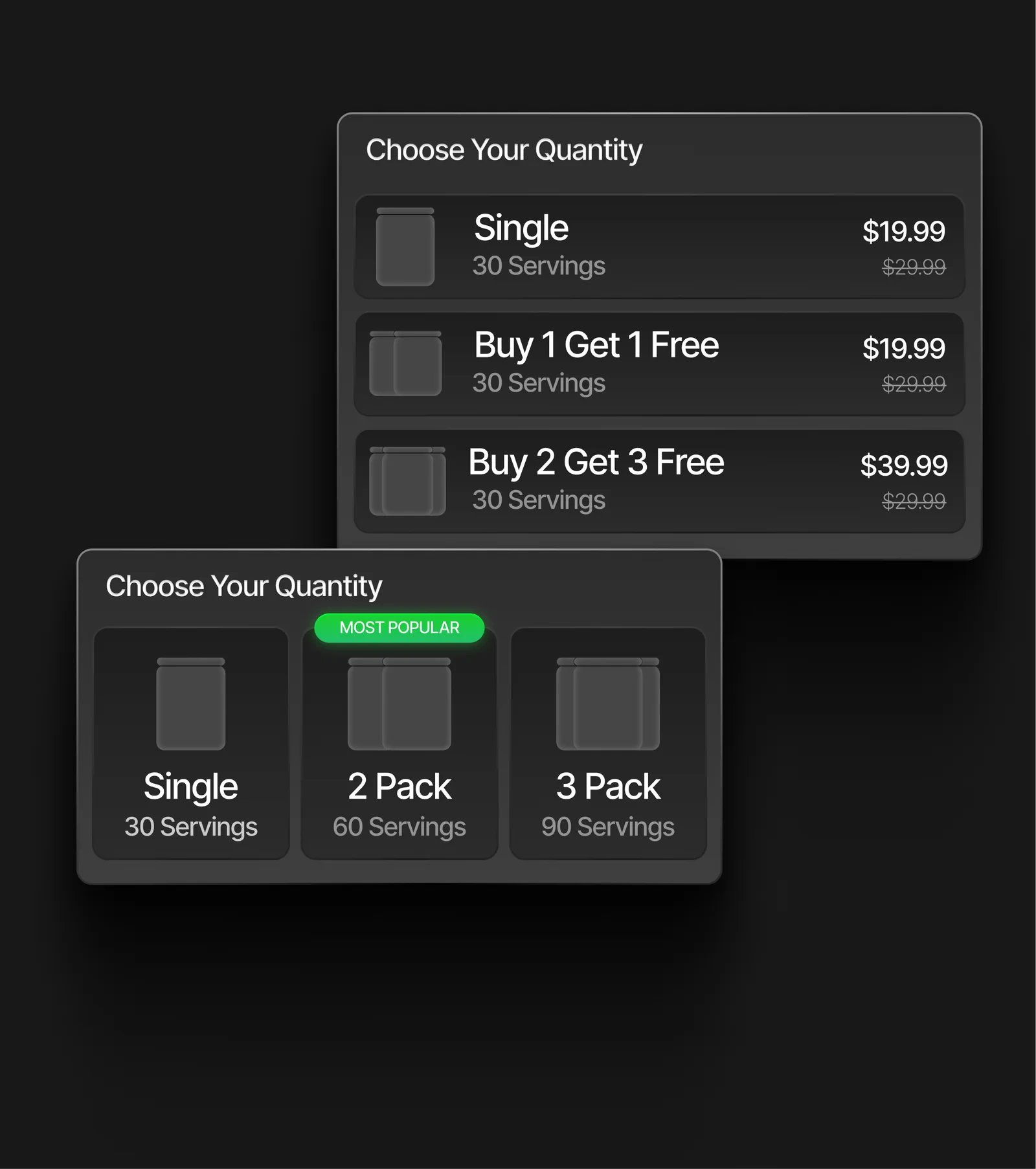
Let customers choose between quantity tiers (e.g. “Single”, “2 Pack”, “3 Pack”) with per-unit savings. Supports two layouts:- List view — vertical list with prices and savings
- Card view — horizontal cards with “Most Popular” badge
Bundle & Save
Create bundle offers where buying multiple products unlocks a discount. Shows savings per tier.Subscribe & Save
Add a subscription toggle to the product page with perks like “15% Off All Orders”, “Free Shipping”, and “Cancel Anytime”.Product gallery
The media gallery supports:- Multiple product images with thumbnail navigation
- Custom thumbnail styling (borders, active states)
- Arrow navigation with custom colors
- Video media