
Documentation Index

Fetch the complete documentation index at: https://testdocs.ecomelixir.com/llms.txt

Use this file to discover all available pages before exploring further.

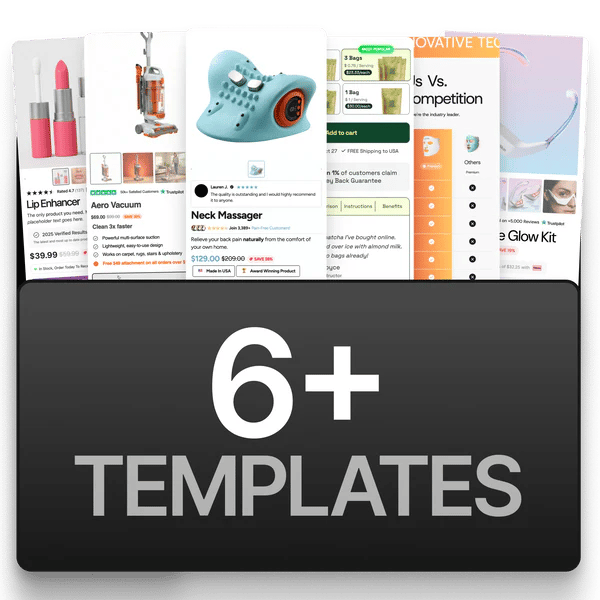
6+ templates available
Templates are fully designed product page layouts you can install in one click. Instead of building from scratch, pick a template that fits your niche and customize it.

How to install a template

  1. Go to app.ecomelixir.com/templates.
  2. Browse the available templates.
  3. Follow the on-screen instructions to install it on your store.
  4. Open the page in the Shopify theme editor to customize.
If a template you’re looking for isn’t listed, it’s still in development and will be released through the dashboard when ready.

Built-in page templates

Your theme also includes these page types out of the box (select them when creating pages in Shopify admin under Template):
TemplateUse case
DefaultStandard product, collection, blog, and cart pages
ContactPre-designed contact form layout
AdvertorialLong-form editorial-style landing pages (guide →)
ListicleNumbered list-style content pages (guide →)